Cloud Gaming in India: How to Set It Up with Budget Gear
Want to play high-end games like Cyberpunk 2077 or GTA V without a gaming PC? Thanks to cloud gaming, all you need is a decent internet connection, a display, and some budget gear. Here’s your ultimate beginner guide to cloud gaming in India using affordable tech.
🎮 What is Cloud Gaming?
Cloud gaming allows you to play AAA games streamed directly from powerful servers to your screen. Instead of downloading and installing, the gameplay runs remotely, and your device just receives the visuals—like Netflix, but for games.
🌐 Internet Requirements in India
- Minimum Speed: 15 Mbps (for 720p), 25 Mbps+ (for 1080p/4K)
- Latency: Under 50ms is ideal
- Connection Type: Fiber/Wi-Fi 5GHz preferred
- Best ISPs: JioFiber, Airtel Xstream, ACT Fibernet
🛠️ Budget Gear You’ll Need
1. Amazon Fire TV Stick 4K Max
Price: ₹4,999 — Wi-Fi 6 & Gaming Ready
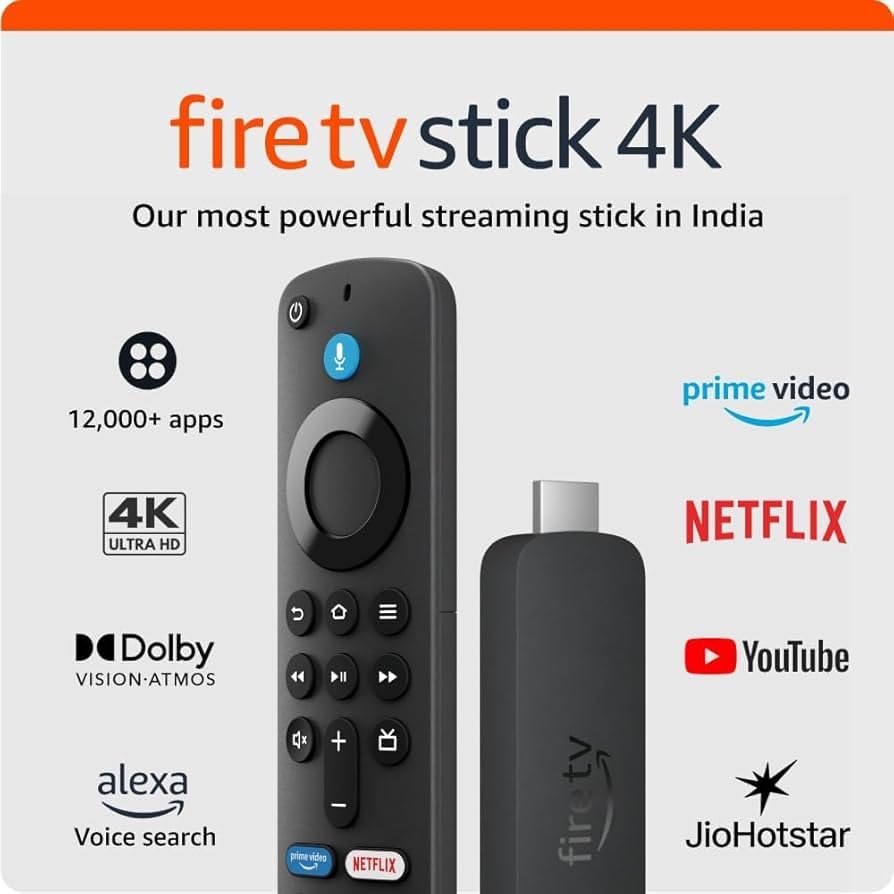
Why It Helps: Supports cloud gaming apps like NVIDIA GeForce NOW via sideloading and native game streaming from PC.
Use Case: Connect to your TV, pair with a controller, and stream games from your laptop or cloud service.
2. Cosmic Byte Wireless Controller
Price: ₹2,199 — Affordable & Responsive
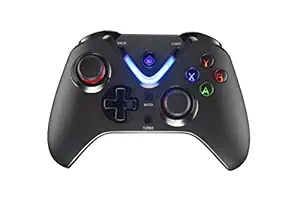
Why It Helps: Works with Android, Fire TV, and Windows via Bluetooth or 2.4GHz dongle. Great Xbox-style feel.
Use Case: Use it to play games on TV, phone, or PC via GeForce NOW or Xbox Cloud Gaming.
3. Logitech K400 Plus Wireless Keyboard
Price: ₹3,711 — Built-in Touchpad
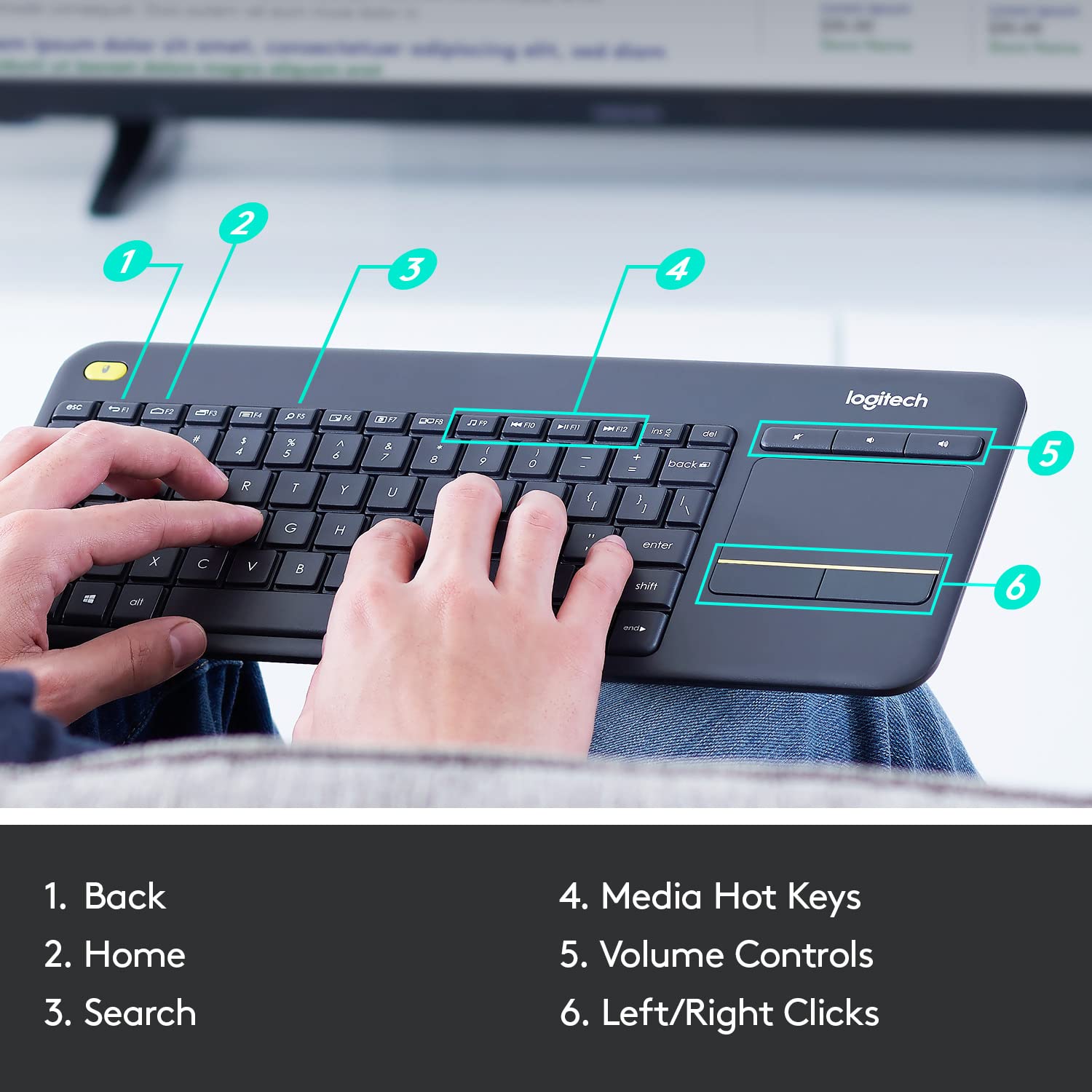
Why It Helps: Ideal for navigating cloud apps on your smart TV or Android box. Lightweight, reliable, and cable-free.
Use Case: Perfect for controlling UI or browsing Xbox/Game Pass cloud platforms.
🧠 How to Set It Up (Step-by-Step)
- Connect Fire TV or Android box to your display (TV or monitor).
- Download a browser like Firefox or sideload GeForce NOW/Xbox Cloud apps.
- Pair your Bluetooth controller or keyboard.
- Login to a supported platform (e.g., NVIDIA, Xbox Cloud Gaming via browser).
- Start gaming—no downloads, just stream and play!
💡 Pro Tips
- Use Ethernet or 5GHz Wi-Fi for best stability.
- Enable Game Mode on your TV to reduce input lag.
- Try browser-based cloud services like Boosteroid, Shadow, or Xbox Cloud Gaming (via Safari/Edge).
❓ FAQs
Q: Do I need a gaming PC?
A: No! That’s the beauty of cloud gaming. All heavy processing happens on the cloud.
Q: Can I play AAA games on my Android TV?
A: Yes. With a browser and controller, you can stream games using cloud services.
Q: Do I need to pay monthly?
A: Some services are free (e.g., GeForce NOW Basic), while others like Xbox Cloud require Game Pass Ultimate.
This setup proves that cloud gaming is not only possible in India—but it’s affordable, lag-free (with good internet), and incredibly fun. Game on!